
IVR Call Center, AI Agent
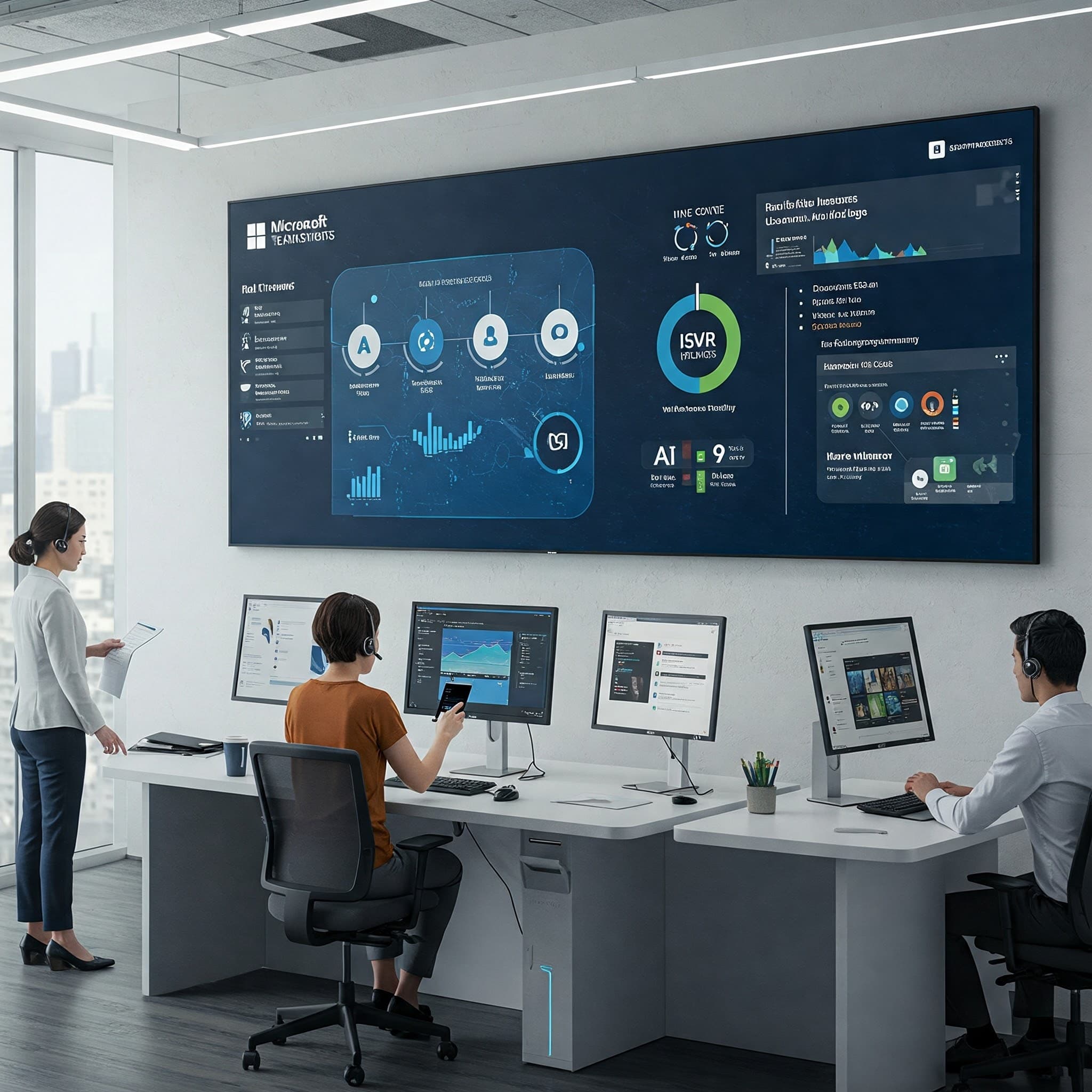
Next-generation call center solution powered by Microsoft Teams.
Key Features
Discover the core features of our Microsoft Teams-based IVR call center and AI agent solution.
IVR System
Intelligent voice response system that automates customer interactions and routes calls efficiently
AI Agent
AI-powered agent using natural language processing to automatically handle basic customer inquiries
Call Recording
Compliance recording system that automatically records all calls and stores them securely
STT (Speech-to-Text)
Convert call content to text in real time for use as analyzable and searchable data
Auto-Generated Meeting Minutes
Automatically summarize call and meeting content into structured meeting minutes
Sentiment & Risk Management
Analyze customer sentiment during calls and detect risky situations to alert managers
How It Works
Learn how the Microsoft Teams-based IVR call center and AI agent solution works.
Customer Call Connection
The customer's call is connected through the IVR system and initial handling begins.
AI Agent Response
The AI agent handles basic inquiries and collects necessary information.
Real-Time Analysis
Call content is converted to text in real time, and sentiment and keyword analysis is performed.
Human Agent Handoff
When necessary, the call is transferred to a suitable human agent with full conversation context provided.
Post-Call Processing
After the call ends, meeting minutes are automatically generated and the interaction is logged in the CRM system.
Technology Stack
Core technologies powering the Microsoft Teams-based IVR call center and AI agent solution.
Azure Bot Service
Microsoft's bot development and deployment service used to implement the AI agent
Bot Framework SDK
Framework for developing intelligent bot applications
Microsoft Teams Platform
Unified communication and collaboration platform serving as the call center foundation
Microsoft Graph API
Cloud communication APIs for managing calls and meetings
Teams Phone System
Enterprise phone system providing PSTN connectivity and call routing
Azure Cognitive Services
Powers AI capabilities including STT, sentiment analysis, and natural language processing
Admin Portal
Efficiently manage and monitor call center operations through an intuitive admin portal.
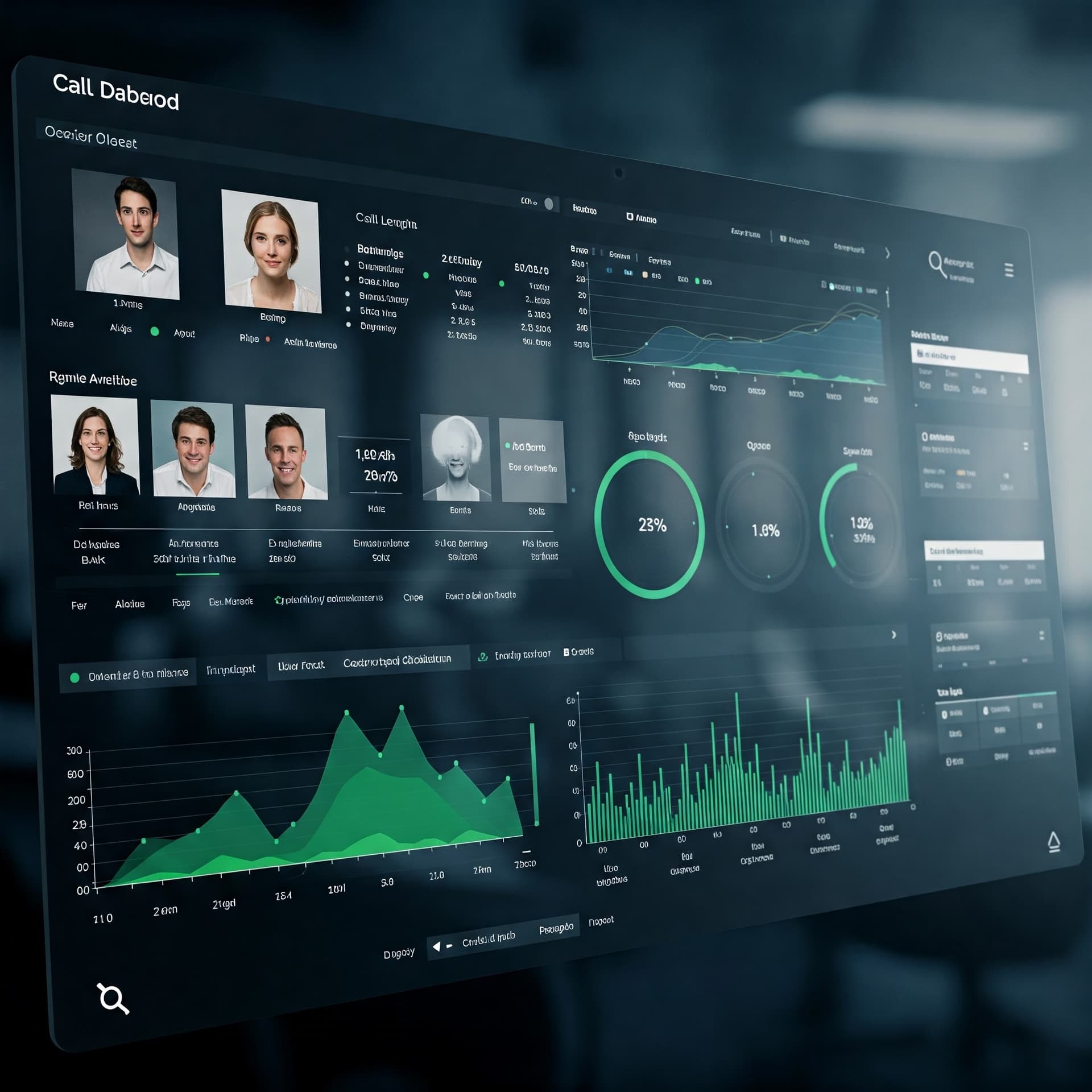
Call Monitoring Dashboard
View real-time call status, queues, and agent availability at a glance
Call Quality & Performance Analytics
Analyze various performance metrics including call quality indicators, response times, and resolution rates
Agent Performance Management
Track and evaluate per-agent performance metrics and identify areas for training
Call Records & Recording Management
Search and manage all call records and recordings
Custom Reports
Create customized reports and set up automated distribution
Frequently Asked Questions
Find answers to common questions about the Microsoft Teams-based IVR call center and AI agent solution.
What types of businesses is the Microsoft Teams-based IVR call center suited for?
It is suitable for businesses of all sizes that provide customer service. It is especially ideal for companies already using Microsoft 365, organizations supporting remote work environments, and businesses looking to improve customer response efficiency.
Can it integrate with existing phone systems?
Yes, it can integrate with existing phone systems. You can connect to your existing phone system through Microsoft Teams Direct Routing or Operator Connect.
What languages does the AI agent support?
It supports various languages including Korean, English, Japanese, and Chinese. Additional language support is available upon request.
How are call recordings and data stored?
All call recordings and data are encrypted and stored in Microsoft Azure's secure cloud environment. Data retention periods can be configured to meet your company's requirements.
How long does implementation and setup take?
Basic setup can be completed within approximately 2-4 weeks, depending on your company's requirements and system complexity. Additional time may be required for custom feature development.
How is technical support provided?
We provide 24/7 technical support via phone, email, and chat. We also offer regular maintenance and update services.
Get Started Today
Transform your customer service with the Microsoft Teams-based IVR call center and AI agent solution.