
Inbridge Solutions
Extend the capabilities of the Microsoft Office suite to enhance work efficiency and security.
Key Features
Discover the core features of our Microsoft Office add-in solution.
Outlook Add-in
Boost work efficiency with org chart-based email composition and event registration
Excel Add-in
Strengthen information security with attachment protection and automated data analysis
Word Add-in
Provide a secure document workspace with enhanced document security and collaboration
Email Attachment Protection
Prevent unauthorized leakage of sensitive attachments and manage access permissions
Document Version Control
Improve collaboration efficiency with document change tracking and version management
Data Analysis Automation
Enhance work efficiency with automated Excel data analysis and report generation
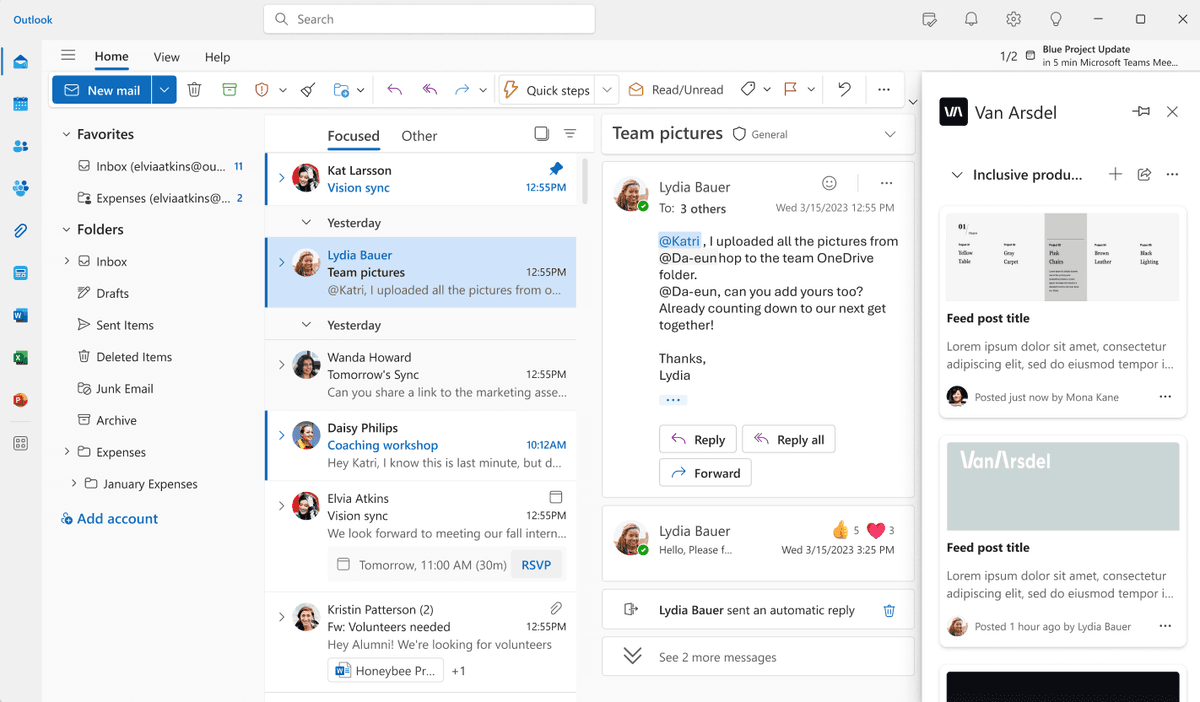
Outlook Add-in
A solution that improves work efficiency with org chart-based email composition and event registration. It makes email management and schedule coordination more efficient.
Org Chart-Based Email Composition
Easily select recipients and send group emails based on the company org chart
Automated Event Registration
Conveniently register and manage various events such as meetings, gatherings, calls, and appointments
Optimized Schedule Suggestions
Automatically recommend optimal meeting times by analyzing attendees' schedules
Email Template Management
Save frequently used email formats as templates for quick access and reuse
Excel/Word/Email Attachment Protection
A solution that strengthens the security of important documents and attachments. It prevents unauthorized leaks and effectively manages access permissions.
Document Encryption
Automatically encrypt Excel, Word documents, and email attachments to enhance security
Access Permission Management
Set and manage access permissions by document and by user
Document Expiration Settings
Set access periods for documents and attachments to automatically expire after a specified time
Access Log Tracking
Record and monitor document access and modification history in detail
Data Analysis Automation
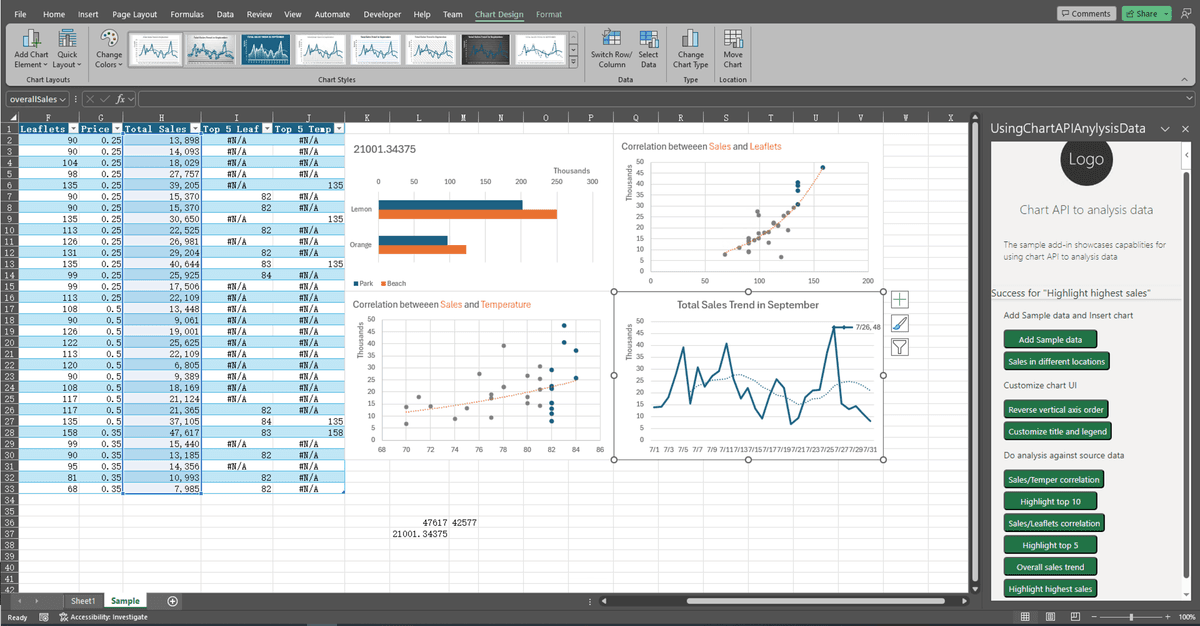
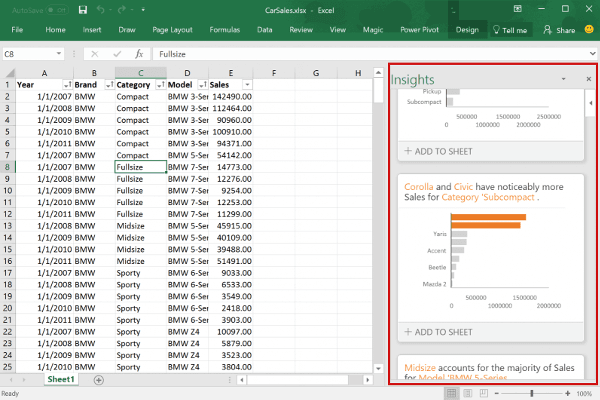
A solution that significantly improves work efficiency by automating Excel data analysis and report generation.
One-Click Data Analysis
Perform complex data analysis automatically with a single button click
Custom Report Generation
Automatically convert analysis results into reports using corporate templates
Data Visualization
Automatically visualize complex data with intuitive charts and graphs
Scheduled Report Automation
Automate generation and distribution of daily, weekly, and monthly recurring reports
Frequently Asked Questions
We answer your questions about the Microsoft Office add-in solution.
What types of companies is the Microsoft Office add-in solution suitable for?
It is suitable for companies of all sizes that use the Microsoft Office suite. It is especially beneficial for companies in finance, legal, and healthcare where document security is critical, companies that require large-scale data analysis, and companies that need efficient email and schedule management.
Can it be easily integrated with our existing Office environment?
Yes, it integrates seamlessly with your existing Microsoft Office environment. It can be easily deployed and managed through a central management console without any complex installation process.
How does the document security feature work?
Documents are automatically encrypted when created or attached, and only specific users can view them based on the access permissions set by administrators. Additionally, the document expiration feature automatically blocks access after a set period of time.
What types of data can the data analysis automation handle?
It can analyze all types of data that can be processed in Excel, and is especially optimized for financial data, sales data, marketing performance data, and more. Custom analysis templates also enable company-specific analysis.
How long does implementation and setup take?
Basic setup can be completed within approximately one week, though this may vary depending on your company's requirements and system complexity. Additional time may be needed if custom feature development is required.
How is technical support provided?
We provide 24/7 technical support, and support requests can be made via phone, email, and chat. We also provide regular maintenance and update services to ensure you always have the latest features and security.
Get Started Today
Enhance your work efficiency and security with the Microsoft Office add-in solution.