
Microsoft Teams
Apps, Add-ins
We provide solutions that extend Microsoft Teams capabilities to improve your enterprise collaboration environment.
Key Features
Discover the core features of our Microsoft Teams add-in solution.
Teams App Add-in
A solution that integrates additional features into Microsoft Teams apps to boost work efficiency
Meeting/Chat Add-in
A solution that enhances the collaboration experience with features specialized for Teams meetings and chats
Compliance Bot
A bot solution for regulatory compliance including call recording, STT, and automated meeting minutes
Workflow Automation
A solution that automates repetitive tasks within Teams to increase work efficiency
Unified Notification System
Consolidate notifications from various systems into Teams so you never miss important information
Security & Compliance
A solution that enables safe use of Teams while complying with corporate security policies and regulations
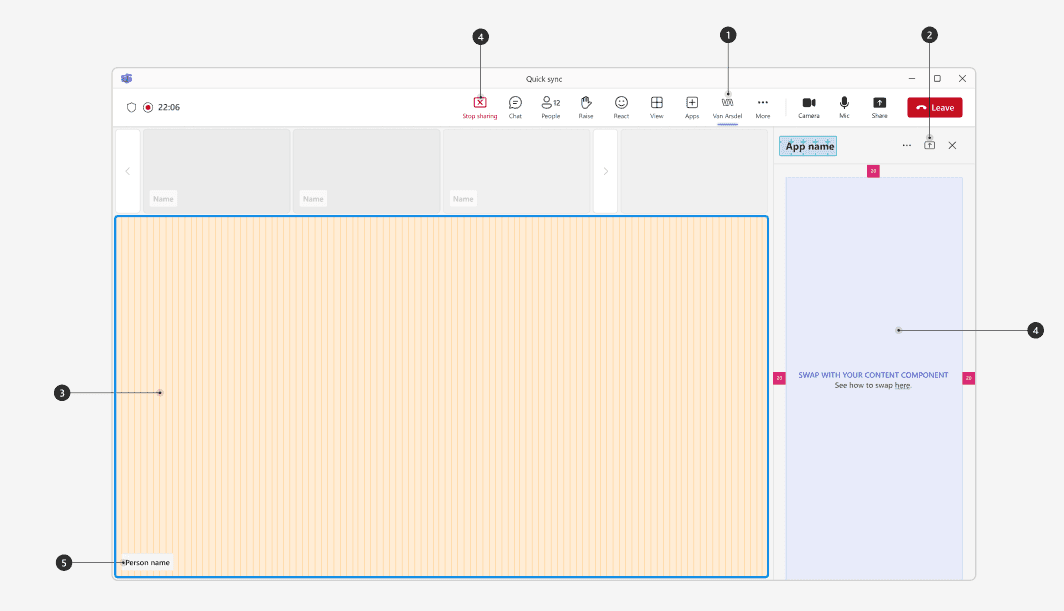
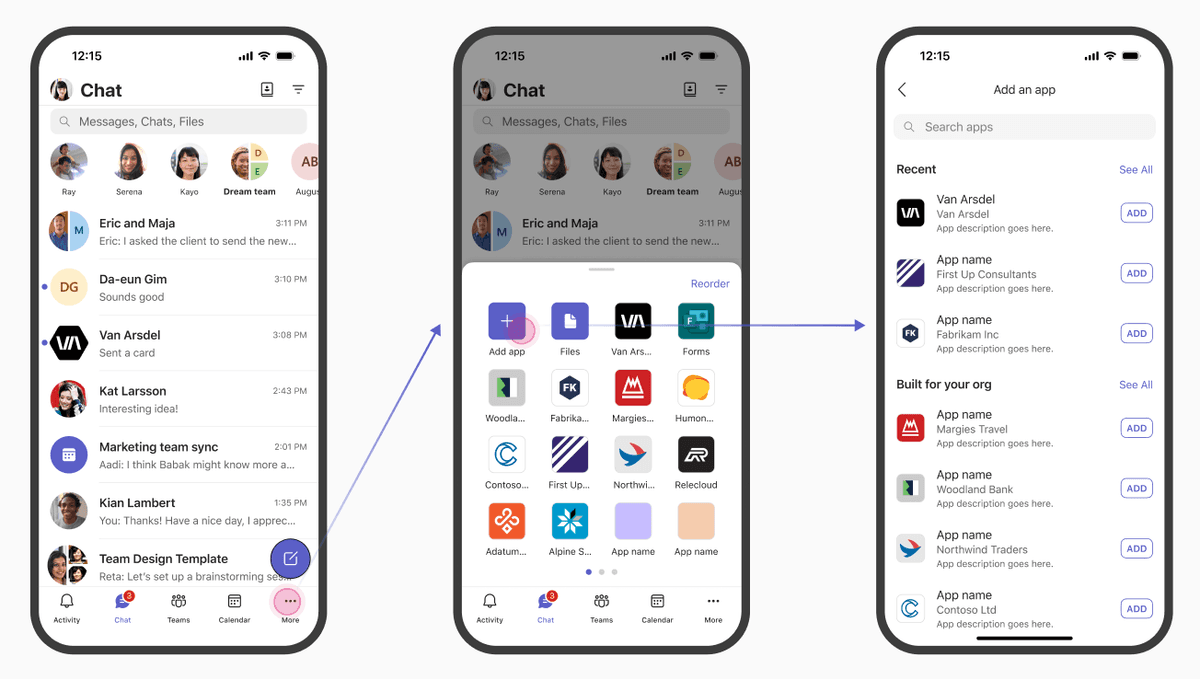
Teams App Add-in
A solution that integrates additional features into Microsoft Teams apps to boost work efficiency. Custom-developed to meet your enterprise requirements, it extends your Teams environment.
Custom Tab Development
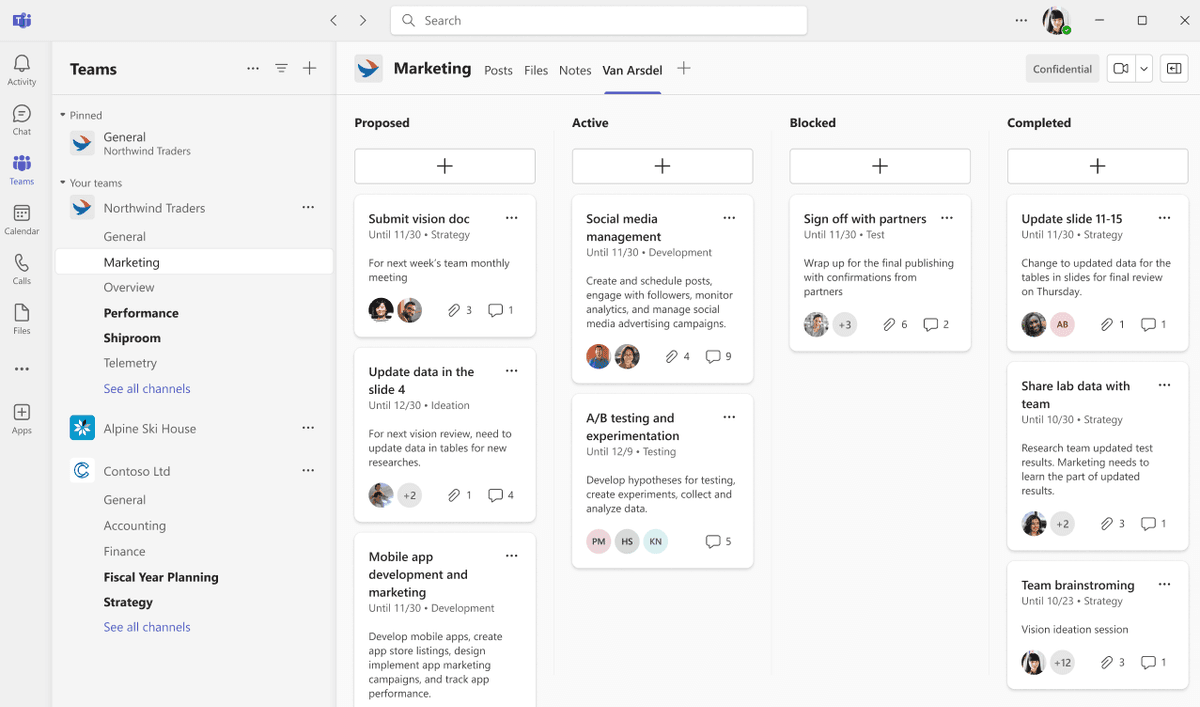
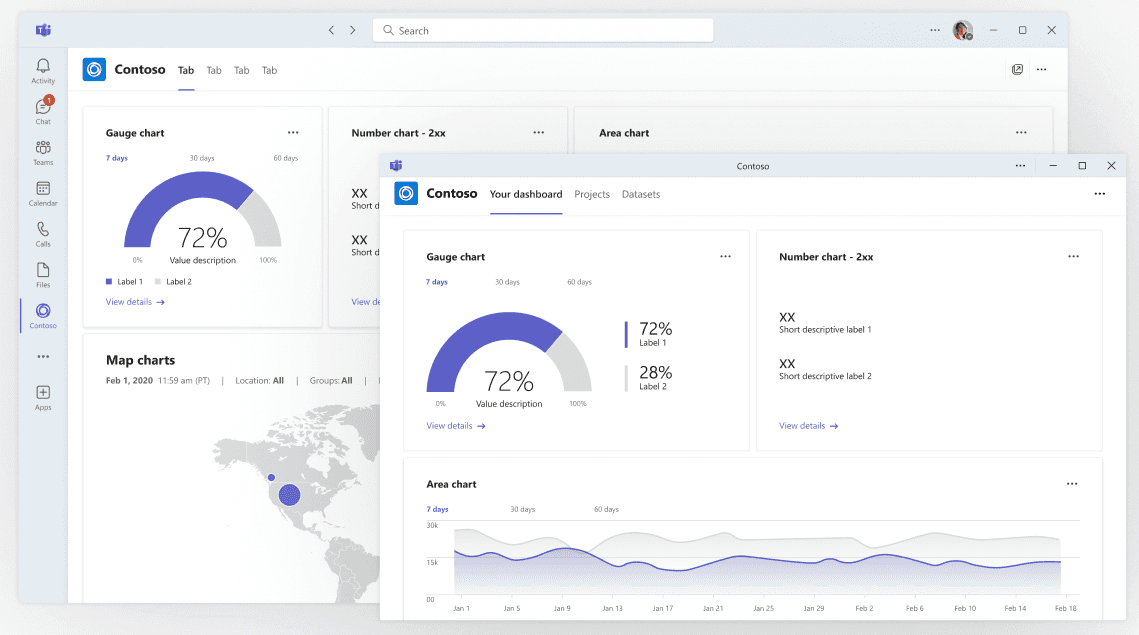
Develop custom tabs integrated with internal enterprise systems for direct access within Teams
Messaging Extensions
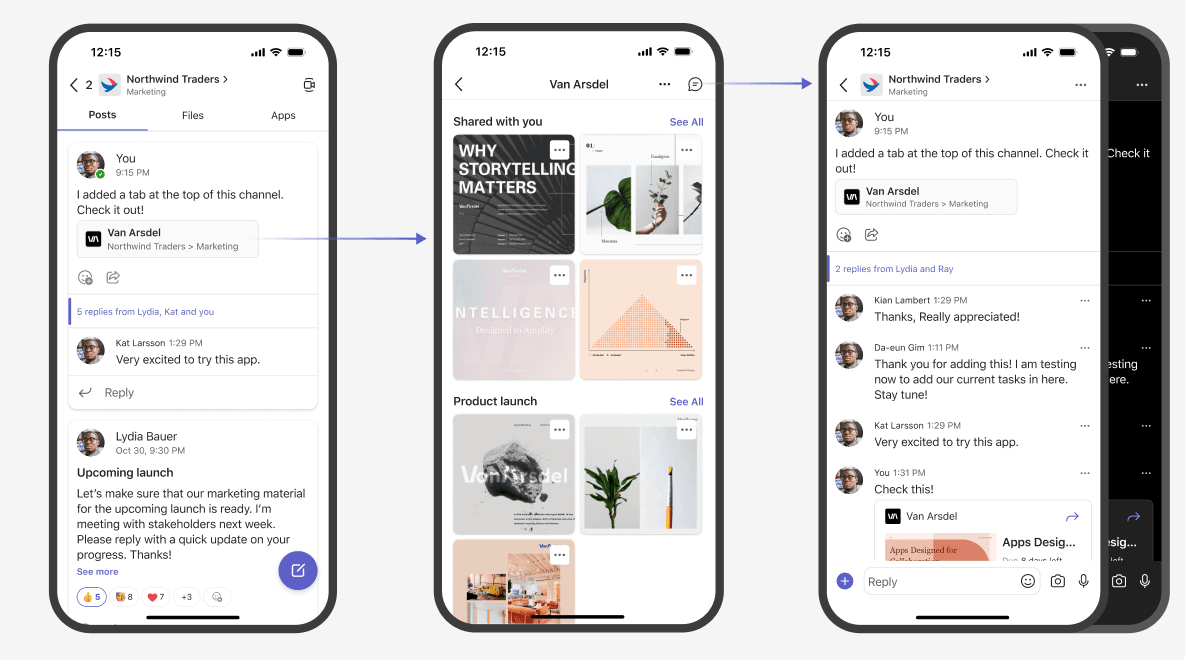
Easily insert and share data from external systems in Teams messages
Task Module Integration
Provide modal dialogs for performing external system tasks within Teams
Personal App Development
Develop and deploy Teams personal apps that provide a personalized experience
Meeting/Chat Add-in
A solution that enhances the collaboration experience with features specialized for Teams meetings and chats. It increases meeting efficiency and facilitates smooth communication.
Real-Time Translation
Support seamless communication by translating messages and conversations in real time in multilingual environments
Meeting Schedule Optimization
Recommend optimal meeting times by analyzing attendees' schedules
Advanced Screen Sharing
Selectively share specific apps or documents and collaborate in real time
Polling & Survey Tools
Provide polling and survey tools for quick opinion gathering during meetings

Compliance Bot
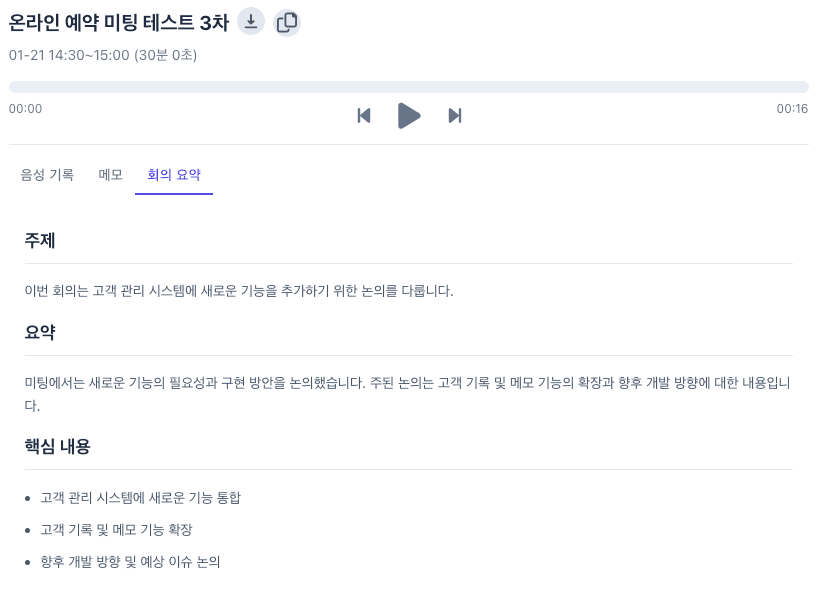
A bot solution for regulatory compliance including call recording, STT (speech-to-text), and automated meeting minutes generation. It meets your enterprise compliance requirements.
Automatic Call Recording
Automatically record and securely store all call content
STT (Speech-to-Text)
Convert call and meeting content to text in real time and store in a searchable format
Automated Meeting Minutes
Leverage AI to summarize meeting content and automatically document key decisions
Keyword Alert Function
Notify administrators when specific keywords or phrases are mentioned
Teams Apps
Microsoft Teams App & Add-in Solutions.
Frequently Asked Questions
We answer your questions about the Microsoft Teams add-in solution.
What types of companies is the Microsoft Teams add-in solution suitable for?
It is suitable for companies of all sizes that use Microsoft Teams. It is especially beneficial for companies operating remote/hybrid work environments, companies with global teams, and companies in highly regulated industries (finance, healthcare, legal, etc.).
Can it be easily integrated with our existing Teams environment?
Yes, it integrates seamlessly with your existing Microsoft Teams environment. It is designed with an intuitive interface to minimize user training and can be easily deployed and managed through the admin console.
Where is the compliance bot's recording data stored?
All recording data is encrypted and stored in Microsoft Azure's secure cloud environment. Storage duration can be configured according to your company's data retention policy, and backups to on-premises storage are also available if needed.
Is custom feature development possible?
Yes, custom feature development tailored to your company's specific requirements is possible. Our development team analyzes your business processes and requirements to provide customized solutions.
How long does implementation and setup take?
Basic setup can be completed within approximately 1-2 weeks, though additional time may be needed for custom features. We recommend a phased approach, rapidly implementing core features first and gradually expanding from there.
How is technical support provided?
We provide 24/7 technical support, and support requests can be made via phone, email, and Teams chat. We also provide regular maintenance and update services to ensure you always have the latest features and security.
Get Started Today
Transform your enterprise collaboration environment with the Microsoft Teams add-in solution.