
Cloud Management
Efficiently manage your enterprise resources and services through a VMware management system.
Key Features
Discover the core features of Cloud Management.
Cloud Management
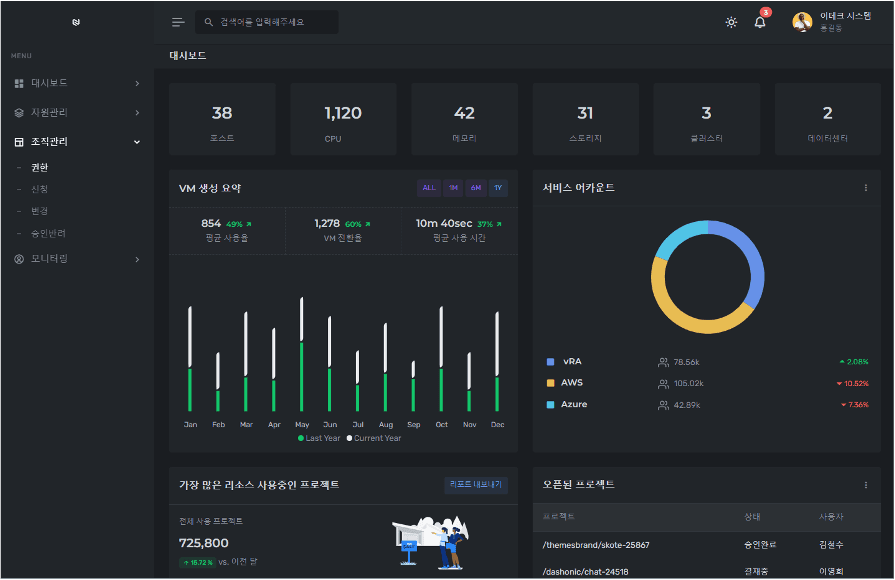
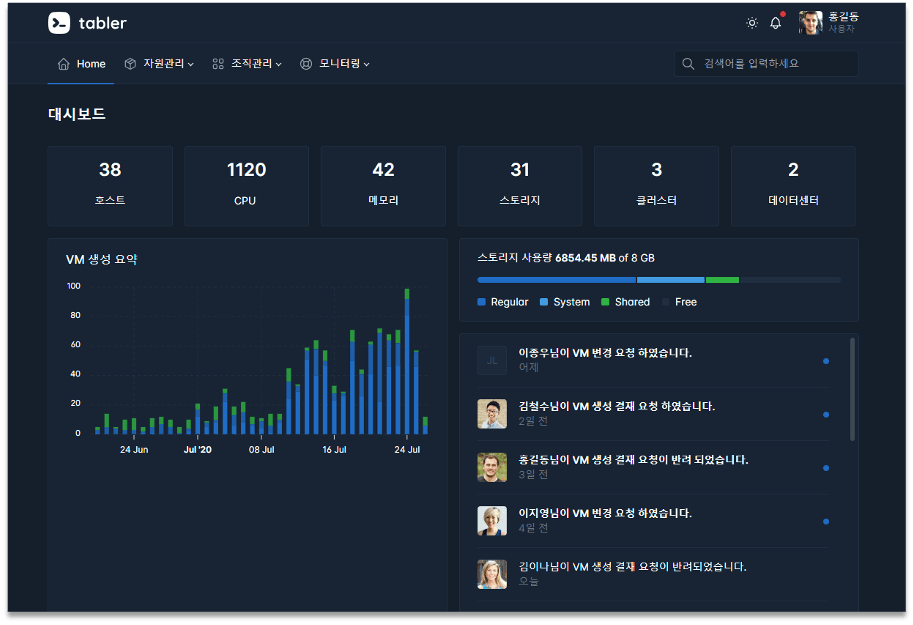
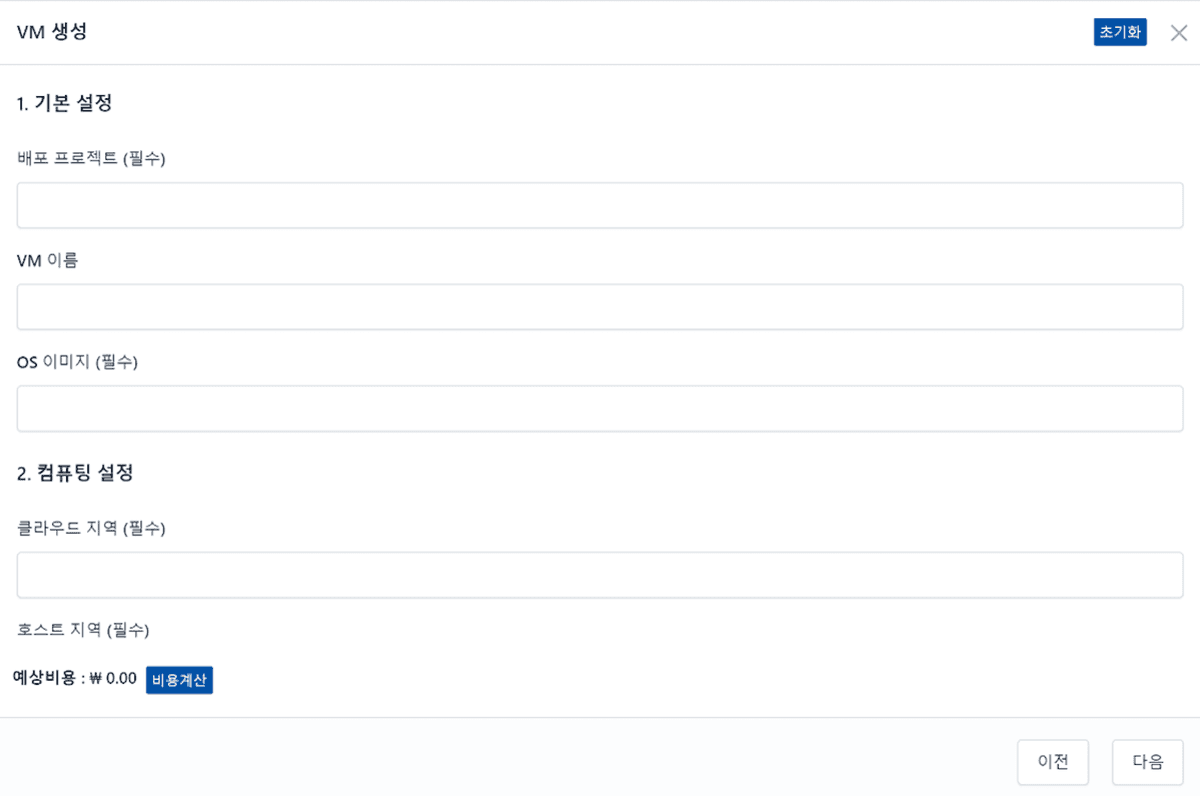
An integrated management portal that provides VM creation, approval, and resource management alerts through VMware Aria integration
Resource Management Automation
Automate IT resource provisioning, monitoring, and management to improve operational efficiency
Workflow Management
Automate approval processes and workflows to accelerate task processing
Dashboards & Reports
Monitor resource usage and performance through intuitive dashboards and detailed reports
Alerts & Monitoring
Enable rapid response to issues with real-time alerts on resource status and events
User Management
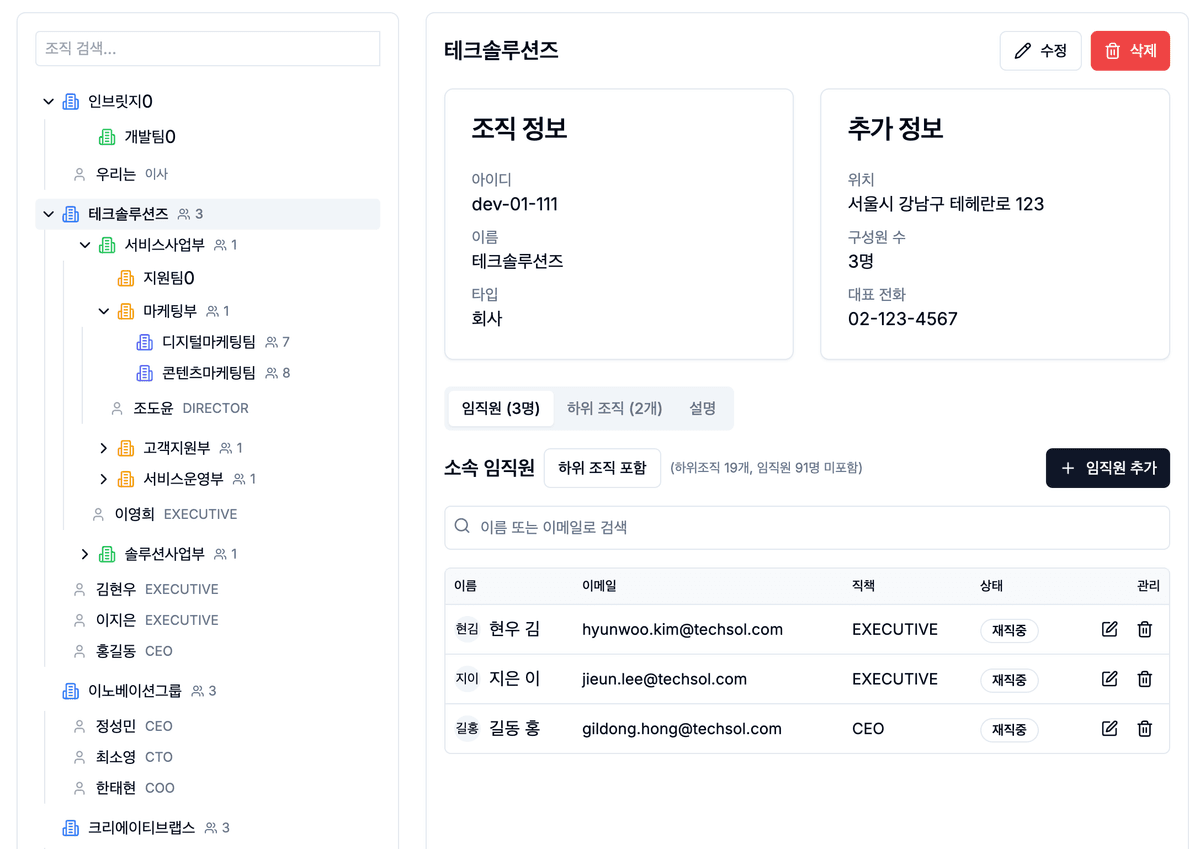
Secure user management and permission settings through role-based access control
Cloud Management
An integrated management portal that provides VM creation, approval, and resource management alerts through VMware Aria integration. Efficiently manage cloud resources and optimize costs.
Automated VM Provisioning
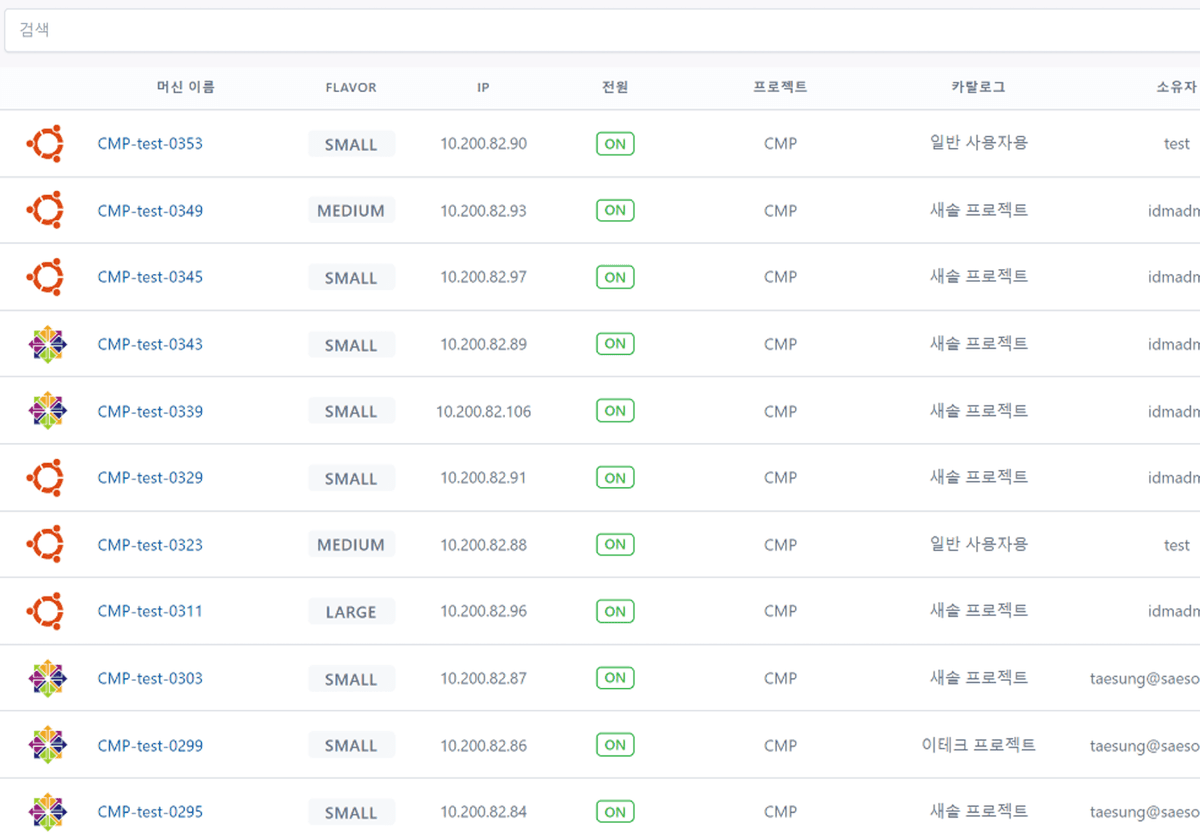
Automatically create and deploy virtual machines as needed
Resource Request Approval System
Systematic approval process management for IT resource requests
Resource Usage Monitoring
Real-time monitoring of CPU, memory, storage, and other resource usage
Cost Optimization Tools
Cost optimization recommendations through resource usage pattern analysis
Workflow Management
A solution that automates approval processes and workflows to improve task processing speed. Automate repetitive tasks and enhance operational efficiency.
Custom Workflows
Design custom workflows tailored to your business processes
Automated Task Assignment
Automatically assign tasks to the appropriate personnel
Progress Tracking
Track and monitor task progress in real time
Bottleneck Detection
Detect workflow bottlenecks and provide alerts
Dashboards & Reports
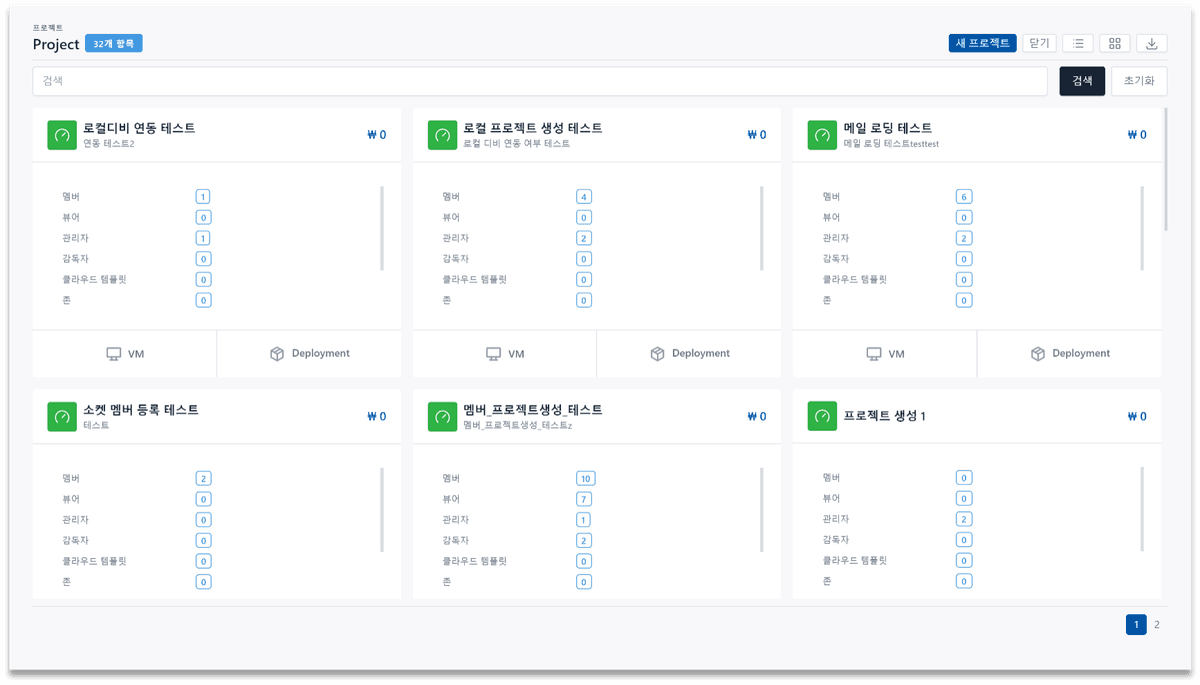
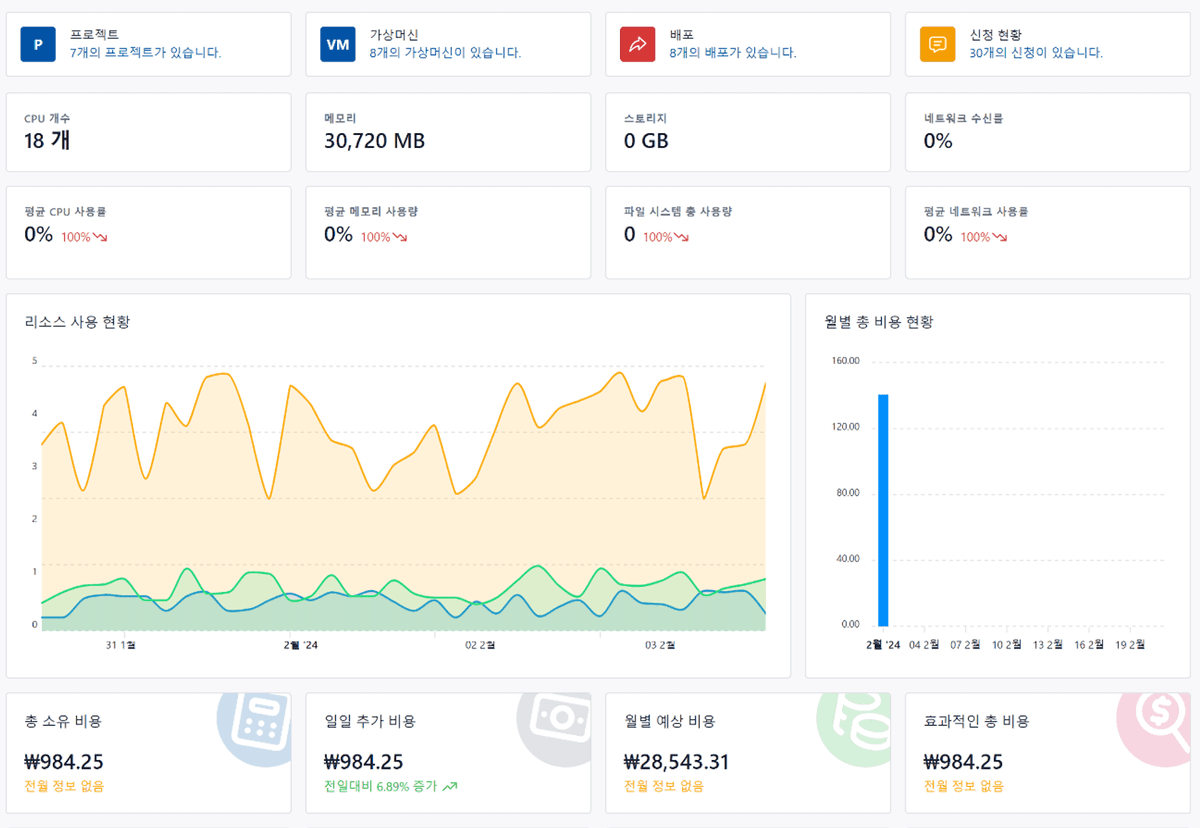
A solution for monitoring resource usage and performance through intuitive dashboards and detailed reports. Supports data-driven decision making.
Real-Time Dashboard
A real-time dashboard providing an at-a-glance view of key metrics
Custom Reports
Generate custom reports tailored to user requirements
Data Visualization
Visualize complex data with easy-to-understand graphs and charts
Predictive Analytics
Predict future resource requirements based on historical data
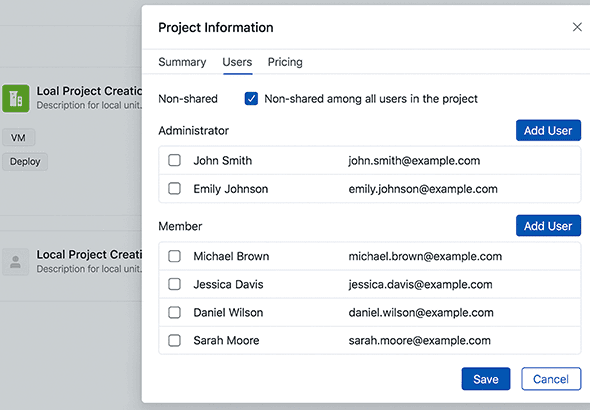
Key Screens

Frequently Asked Questions
Find answers to common questions about Cloud Management.
What type of company is Cloud Management suitable for?
It is suitable for any company looking to efficiently manage IT resources. Mid-sized and larger enterprises that operate cloud environments or have complex IT infrastructure can benefit significantly. It is also ideal for companies that need workflow automation.
Can it integrate with cloud platforms other than VMware Aria?
Yes, in addition to VMware Aria, integration is available with major cloud platforms such as AWS, Azure, and Google Cloud. We provide capabilities for unified management of multi-cloud environments.
Is integration with existing systems possible?
Yes, integration with existing systems is possible through APIs. You can integrate data and automate workflows by connecting with various enterprise systems such as ERP, CRM, and ITSM.
How does the custom workflow design process work?
After analyzing your business processes and gathering requirements, custom workflows are designed using an intuitive drag-and-drop workflow designer. You can automate complex business processes without any coding.
How long does implementation and setup take?
Basic setup can be completed within approximately 4-6 weeks, though this may vary depending on your requirements and system complexity. We recommend a phased approach, implementing core features quickly and expanding gradually.
How is technical support provided?
We provide 24/7 technical support, with support requests available via phone, email, and chat. Regular maintenance and update services ensure you always have the latest features and security.
Get Started Today
Efficiently manage your IT resources with Cloud Management.