

Microsoft Integration
InBridge Solutions
We extend the Microsoft Office suite to make everyday work more efficient and more secure.
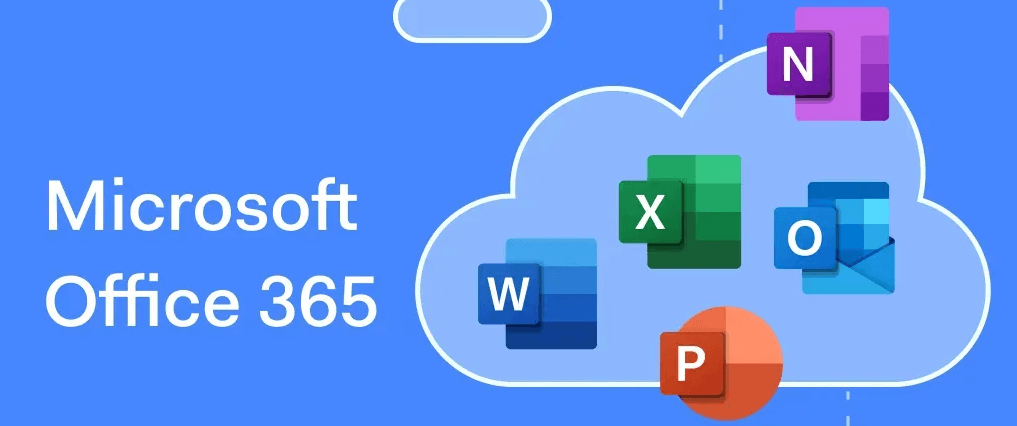
Key capabilities
The core capabilities of our Microsoft Office add-in solutions.
Outlook add-in
Compose mail from the org chart and register events, so everyday work moves faster
Excel add-in
Attachment protection and automated data analysis keep important information secure
Word add-in
Stronger document security and collaboration for safer document work
Mail attachment protection
Prevents unauthorized leaks of sensitive attachments and manages access rights
Document version control
Tracks change history and manages versions so collaboration runs more smoothly
Automated data analysis
Automates Excel data analysis and report generation to speed up everyday work
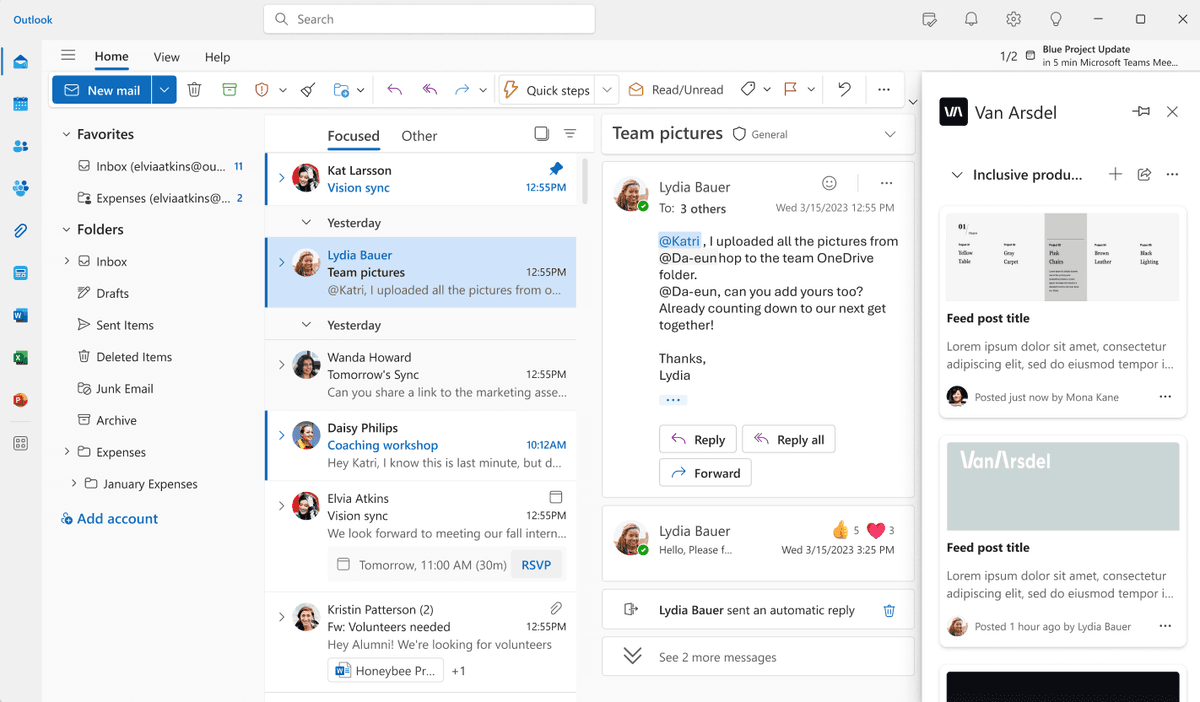
Outlook add-in
A solution that speeds up everyday work by letting you compose mail from the org chart and register events. It makes managing email and coordinating schedules more efficient.
Compose mail from the org chart
Pick recipients easily from the company org chart and send group mail
Automated event registration
Register and manage meetings, gatherings, calls, and appointments with ease
Schedule recommendations
Analyzes attendees' calendars and suggests the best meeting time automatically
Mail template management
Save frequently used mail formats as templates and reuse them quickly
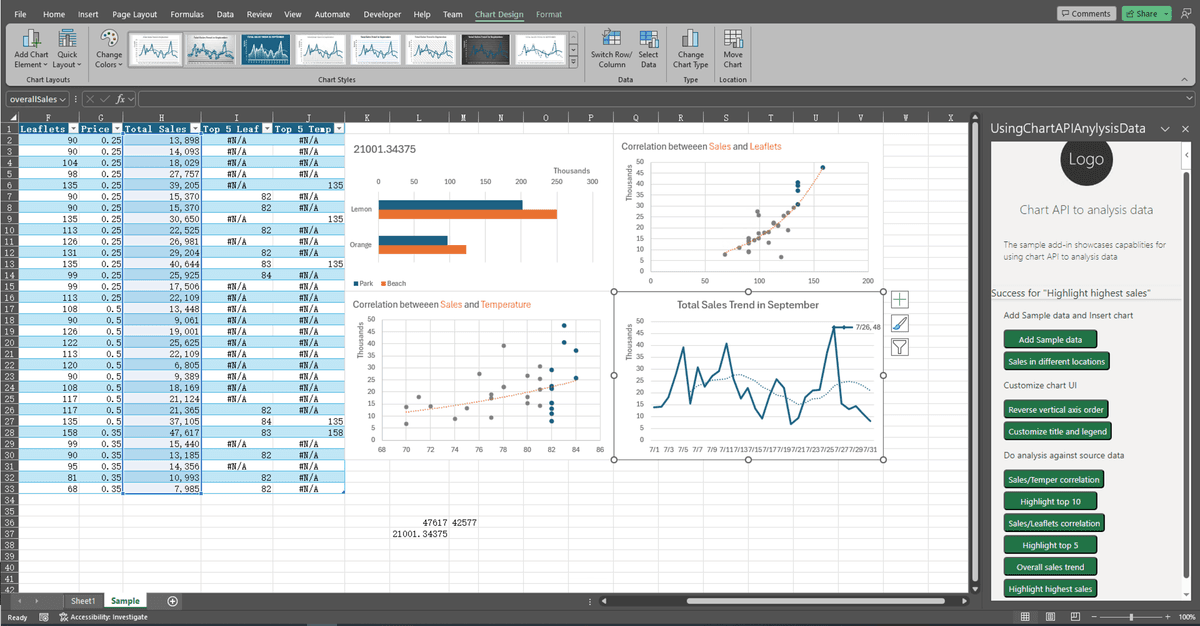
Attachment protection for Excel, Word, and mail
A solution that strengthens the security of important documents and attachments. It prevents unauthorized leaks and manages access rights effectively.
Document encryption
Automatically encrypts Excel and Word documents and mail attachments
Access rights management
Set and manage access rights per document and per user
Document expiry
Set how long a document or attachment stays accessible, after which it expires automatically
Access log tracking
Records and monitors document access and edit history in detail
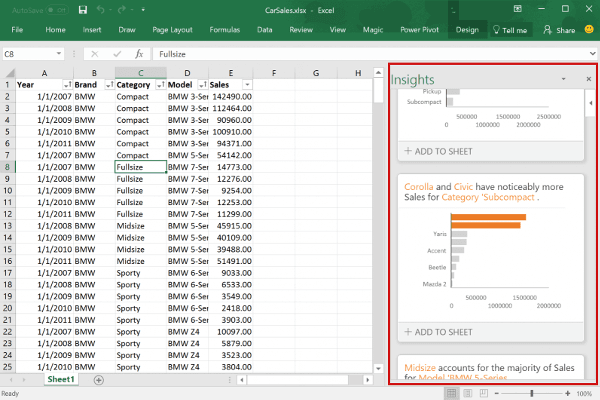
Automated data analysis
A solution that automates Excel data analysis and report generation, making everyday work substantially faster.
One-click analysis
Runs complex data analysis automatically at the press of a button
Tailored report generation
Turns analysis results into reports that follow your company's template
Data visualization
Turns complex data into clear charts and graphs automatically
Recurring report automation
Automates generation and distribution of daily, weekly, and monthly reports
Frequently asked questions
Answers to common questions about our Microsoft Office add-in solutions.
What kind of organizations are Microsoft Office add-in solutions for?
They suit organizations of any size that use the Microsoft Office suite. The benefit is greatest for companies where document security matters — finance, law, and healthcare — companies that analyze large volumes of data, and companies that need efficient email and calendar management.
Is it easy to integrate with our existing Office environment?
Yes. It integrates smoothly with your existing Microsoft Office environment. There is no complicated installation process; deployment and management are handled through a central admin console.
How does document security work?
Documents are encrypted automatically when they are created or attached, and only the users an administrator has authorized can open them. Document expiry can also block access automatically after a set period.
What kinds of data can the automated analysis handle?
It can analyze any data Excel can handle, and is optimized for financial, sales, and marketing performance data in particular. Custom analysis templates make company-specific analysis possible as well.
How long do deployment and setup take?
Basic setup can be completed within about a week, though it varies with your requirements and how complex your systems are. Custom feature development may take additional time.
How is technical support provided?
We provide 24/7 technical support, reachable by phone, email, or chat. We also provide regular maintenance and updates so you always have the latest features and security.
Get started
Make everyday work faster and more secure with Microsoft Office add-in solutions.