

Microsoft Integration
Microsoft TeamsApps, Add-ins
We extend what Microsoft Teams can do, so collaboration across your organization works better.
Key capabilities
The core capabilities of our Microsoft Teams add-in solutions.
Teams app add-ins
Solutions that build additional capabilities into the Microsoft Teams app to make daily work more efficient
Meeting / chat add-ins
Solutions that add purpose-built features to Teams meetings and chat to improve how teams work together
Compliance bot
A bot solution for compliance needs — call recording, speech-to-text, and automatic meeting minutes
Workflow automation
Solutions that automate repetitive work inside Teams to make daily work more efficient
Unified notifications
Brings alerts from your other systems into Teams so nothing important is missed
Security and compliance
Solutions that let you use Teams safely, within your organization's security policies and regulatory obligations
Teams app add-ins
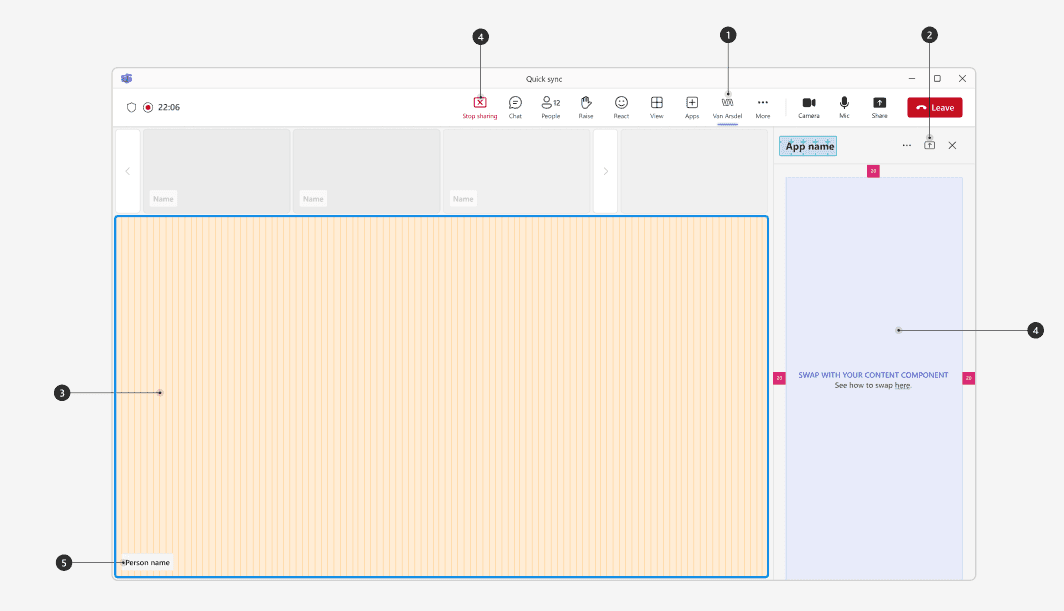
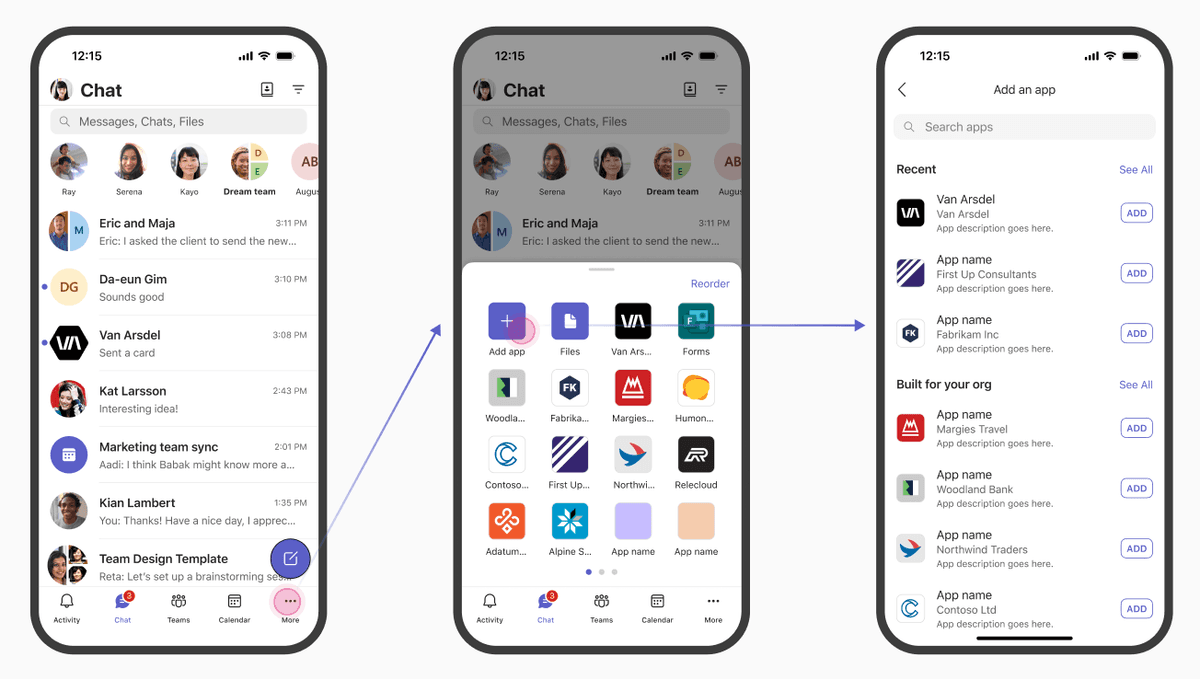
A solution that builds additional capabilities into the Microsoft Teams app to make daily work more efficient. It is developed to your organization's requirements and extends your Teams environment.
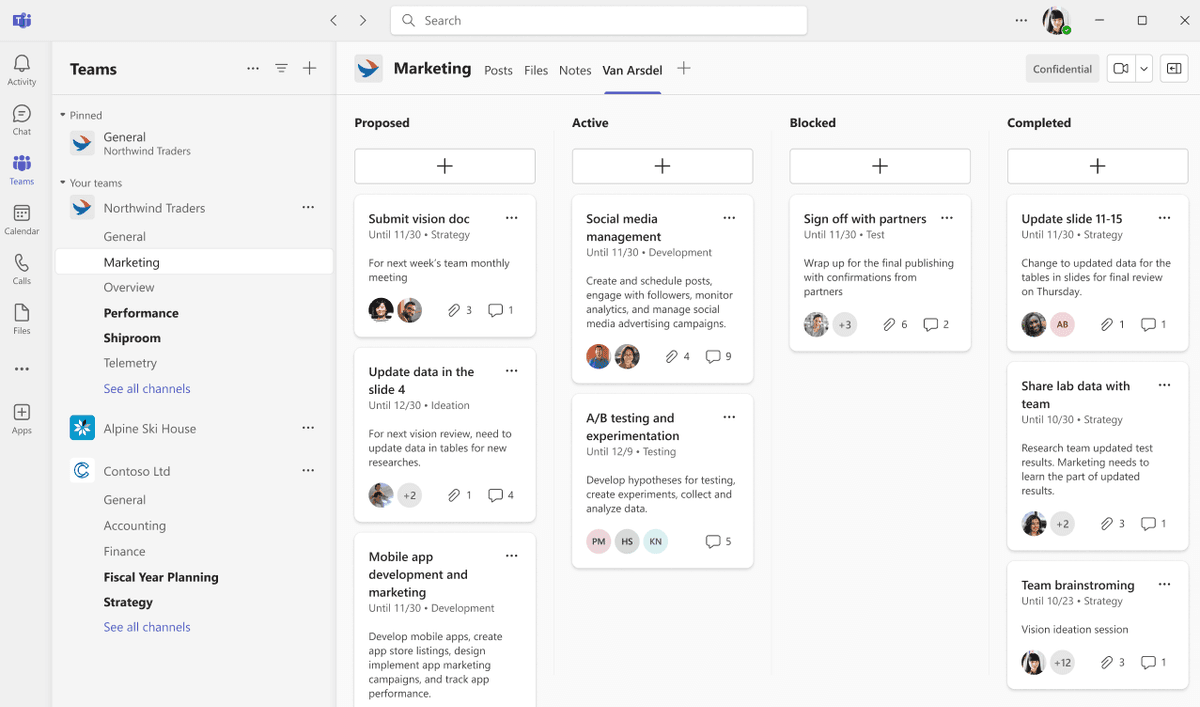
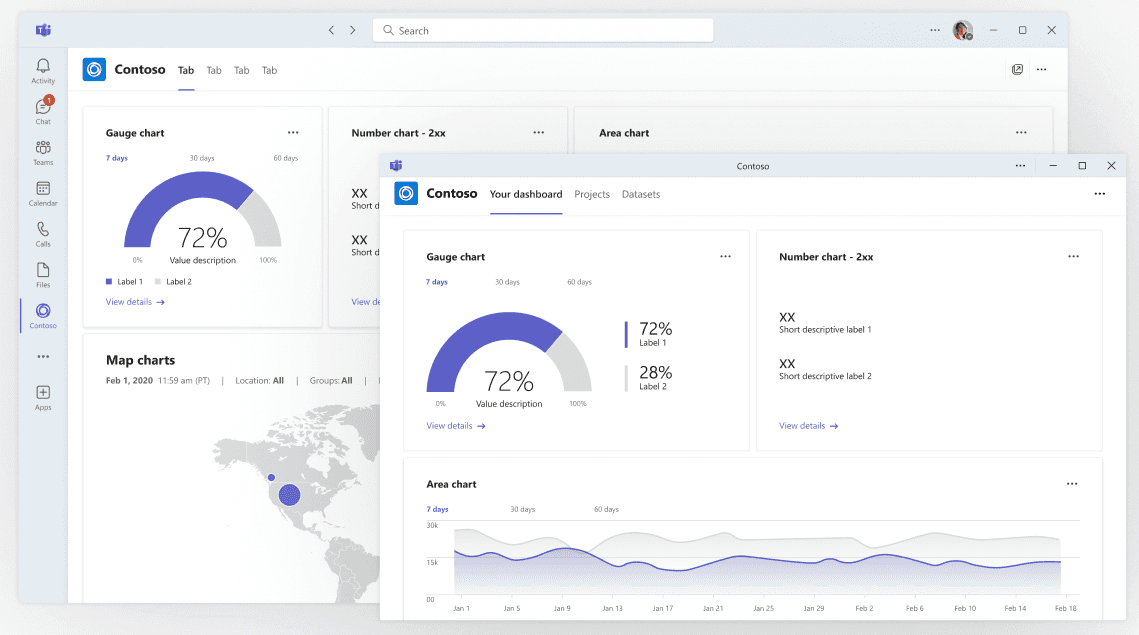
Custom tab development
Custom tabs wired to your internal systems, reachable directly from within Teams
Messaging extensions
Insert and share data from external systems inside Teams messages
Task module integration
Modal dialogs that let people carry out work in external systems without leaving Teams
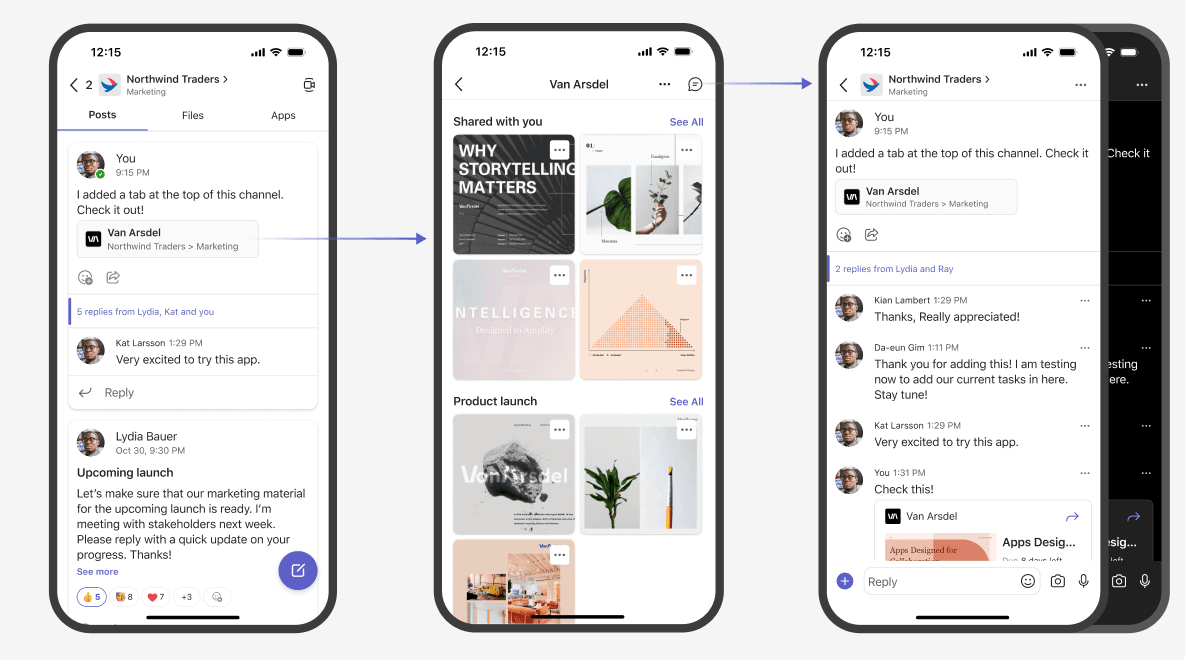
Personal app development
Development and deployment of personal Teams apps that provide a tailored experience

Meeting / chat add-ins
A solution that adds purpose-built features to Teams meetings and chat to improve how teams work together. It makes meetings more effective and communication easier.
Real-time translation
Translates messages and conversations in real time so multilingual teams can talk freely
Meeting schedule optimization
Analyzes attendees' calendars and recommends the best meeting time
Advanced screen sharing
Share only a chosen app or document, and collaborate on it in real time
Polls and surveys
Polling and survey tools for gathering opinions quickly during a meeting
Compliance bot
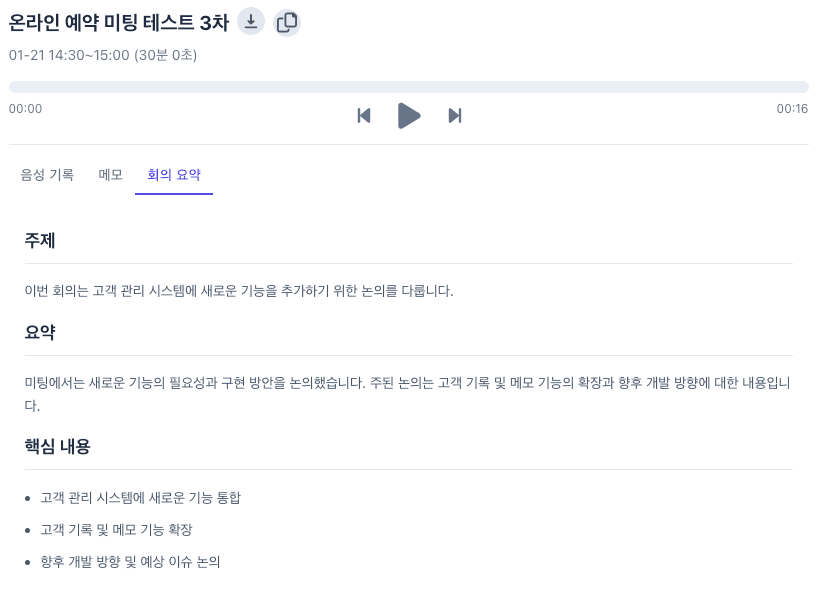
A bot solution for compliance needs — call recording, speech-to-text (STT), and automatic meeting minutes. It meets your organization's compliance requirements.
Automatic call recording
Records every call automatically and stores it securely
Speech-to-text (STT)
Converts calls and meetings into text in real time and stores them in searchable form
Automatic meeting minutes
Uses AI to summarize meetings and document the decisions that were made
Keyword alerts
Notifies administrators when specific keywords or phrases are mentioned
Teams Apps
Microsoft Teams apps and add-in solutions.
Frequently asked questions
Answers to common questions about our Microsoft Teams add-in solutions.
What kind of organizations are Microsoft Teams add-in solutions for?
They suit organizations of any size that use Microsoft Teams. The benefit is greatest for companies running remote or hybrid work, companies with global teams, and companies in tightly regulated industries such as finance, healthcare, and law.
Is it easy to integrate with our existing Teams environment?
Yes. It integrates smoothly with your existing Microsoft Teams environment. The interface is designed to be intuitive so that user training is minimal, and deployment and management are handled through the admin console.
Where is the compliance bot's recording data stored?
All recordings are encrypted and stored in Microsoft Azure's secure cloud environment. Retention periods follow your organization's data retention policy, and recordings can also be backed up to on-premises storage if required.
Can custom features be developed?
Yes. We can develop custom features for your specific requirements. Our development team analyzes your business processes and requirements, then builds the solution around them.
How long do deployment and setup take?
Basic setup can be completed in roughly one to two weeks; custom features may take additional time.
We recommend a phased approach — implement the core capabilities first, then extend from there.
How is technical support provided?
We provide 24/7 technical support, reachable by phone, email, or Teams chat. We also provide regular maintenance and updates so you always have the latest features and security.
Get started
Transform how your organization collaborates with Microsoft Teams add-in solutions.